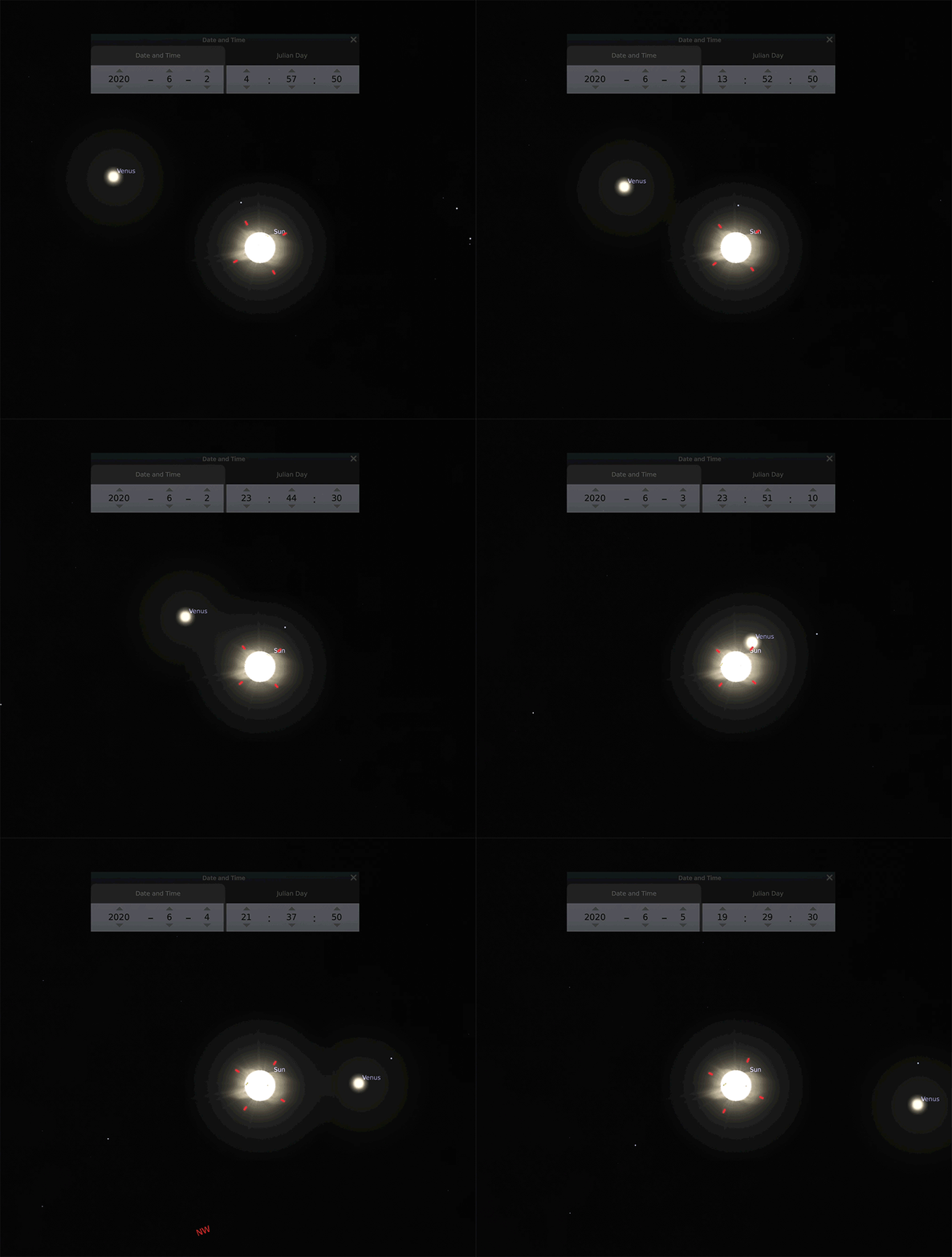
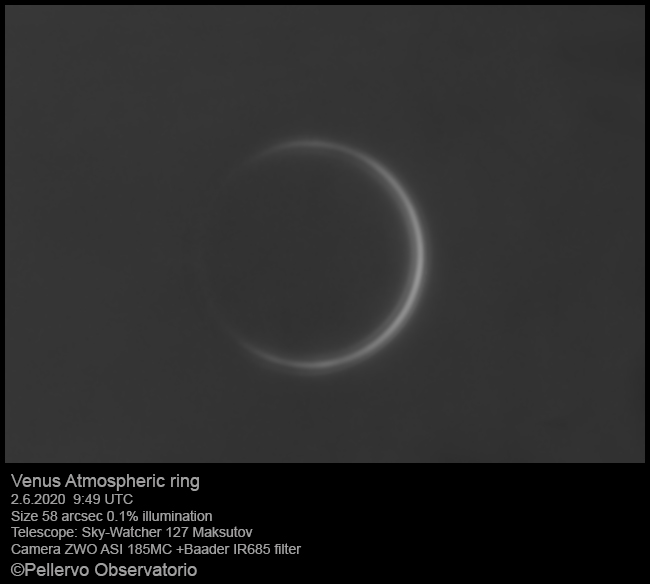
A local newspaper (Etelä‑Saimaa) recently published a photo of Venus taken in June 2020 by a member of our local Astronomy Club. The image showed Venus low in the sky, close to the Sun — and it reminded me of a common confusion: why do planets sometimes seem to move in a “strange” way on the sky, especially when you look at an alt‑az (horizontal) view?
In this short article I explain, with simple Stellarium animations, the difference between two common sky‑grid views: the azimuthal (alt‑az) grid (“how I see the sky from here right now”) and the equatorial grid (“the celestial globe”). As an example, we follow Venus when it is near the Sun in June 2020.
Azimuthal sky grid
In an azimuthal (alt‑az) grid, the sky is described using altitude (height above the horizon) and azimuth (direction along the horizon). This is the most intuitive view because it matches what you see when you stand outside: “up” is up, and the horizon is the horizon.
In the animation below, Venus appears to trace a rather irregular path. That “odd orbit” is not because Venus truly moves that way, but because the coordinate system is tied to the observer: the daily rotation of Earth and the changing observing geometry distort how the track looks in this frame.
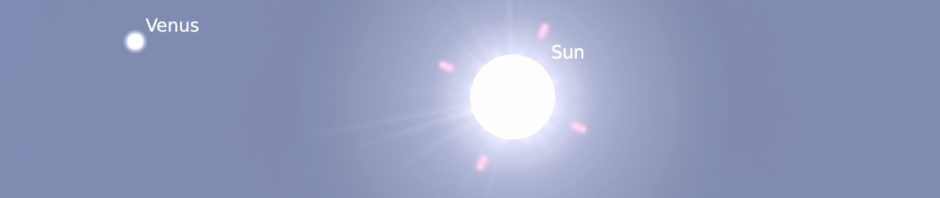
Equatorial sky grid
In an equatorial grid, the sky is described using right ascension and declination. This grid is fixed to the stars and does not “follow” the horizon. In other words: it represents the sky as a coordinate globe.
In this view Venus moves much more smoothly along the ecliptic. The daily rotation of Earth does not show up as a wobble in the planet’s path, because the coordinate system itself is not rotating with your horizon.

Venus in June 2020
In early June 2020 the distance to the Sun was about 151.8 million kilometers, and the distance to Venus about 43.2 million kilometers. When Venus is near the Sun, it stays low and can be difficult to observe. Still, with good transparency and a clear horizon, it can be seen — and photographed — even in bright conditions.
Stellarium
These animations were made with the free program Stellarium. With Stellarium you can set your observing location, time, and also your local obstacles. You can even define your own binoculars/cameras/telescopes to check the field of view and plan observations.
For mobile devices in Finland, Ursan Tähtikartta is also a very handy option.